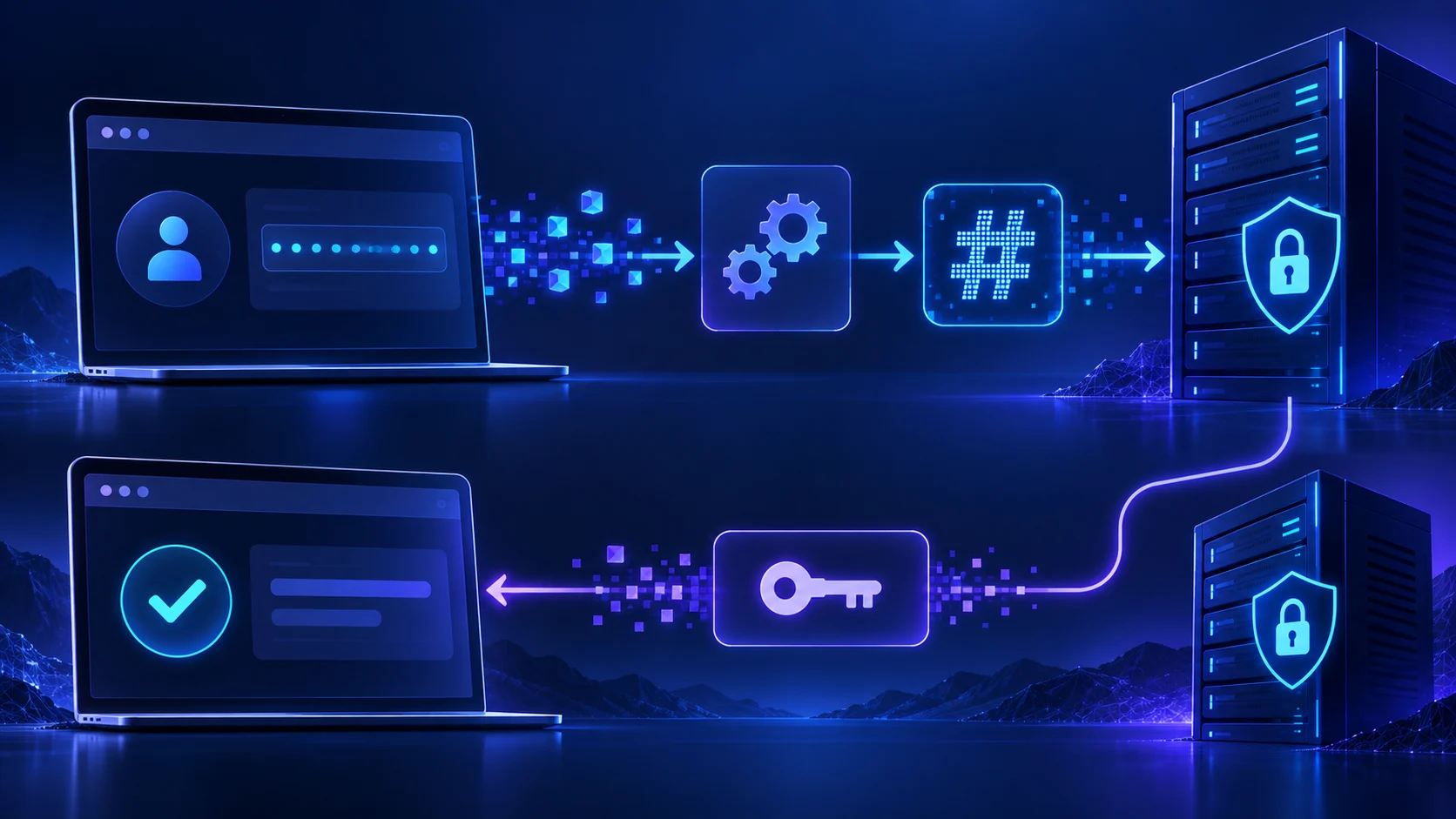
PKCE in two steps
PKCE binds the authorization code to the client that began the flow. Step one sends the challenge; step two proves possession of the verifier:
Authorization request:
Token request:
Use the correct Salesforce host for your environment and follow the app’s secret policy. The exact parameters must match the official OAuth flow documentation.
POST https://login.salesforce.com/services/oauth2/token
grant_type=authorization_code
code=AUTHORIZATION_CODE
client_id=CLIENT_ID
redirect_uri=REDIRECT_URI
code_verifier=ORIGINAL_VERIFIER
Why adding only the verifier fails
Salesforce cannot validate a verifier if no challenge was attached to the authorization request. The authorization server needs the first-half commitment before it issues the code. Adding code_verifier only at the token endpoint produces a different error or leaves the original missing-challenge problem unchanged.
The challenge must be derived from the verifier using the method configured in the request. S256 is the normal choice. Do not hash the verifier twice, use standard base64 with unsafe characters, or accidentally URL-encode the already encoded value twice.
Keep the verifier in the right session
Store the verifier server-side with the OAuth state and a short expiration. The callback should look up state, confirm the user session, retrieve the verifier, and then exchange the code. Never put the verifier in a public URL or expose it to unrelated browser scripts.
Example session record:
Delete the verifier after a successful or definitively failed exchange. This prevents accidental reuse and reduces sensitive session data.
{
  "state": "random-state",
  "codeVerifier": "server-side-only",
  "createdAt": "2026-09-12T18:00:00Z",
  "redirectUri": "https://app.example.com/oauth/callback"
}
Check the Salesforce app policy
The error can be caused by the client configuration rather than the code. Inspect the External Client App or Connected App OAuth policy and confirm whether “Require Proof Key for Code Exchange (PKCE) extension for Supported Authorization Flows” is enabled. If enabled, the client must implement PKCE. If the app is an older connected app and its creation or policy options differ from current guidance, check Salesforce’s current setup documentation before changing production security settings.
Also verify permitted users, scopes, callback URL, and whether a client secret is required for the web-server flow. PKCE does not replace every other authentication parameter.
Common implementation mistakes
The redirect URI must match the registered URI exactly, including trailing slash, path, and scheme. The client ID must identify the same app in both steps. The code can be used only once and may expire quickly. A callback handled by a different server instance may not find the session unless the session store is shared.
Check URL encoding. Use a standards-compliant URL builder rather than concatenating values containing plus signs, slashes, or equals signs. Log parameter names and lengths, not secret values.
Test cases
Test a fresh authorization with PKCE, a callback with a missing state, a changed redirect URI, a verifier from a different session, a reused code, and an expired session. Test production and sandbox separately. Confirm that a failed exchange does not leave a live authorization code or verifier in logs.
Use a browser network trace only in a controlled environment and redact the authorization code immediately. The authorization URL may contain client ID and redirect URI, but it should not contain the verifier.
Migration from a non-PKCE client
Add a PKCE utility with unit tests first. Add state and verifier storage. Add the challenge to authorization URLs. Add the verifier to token exchange. Test one org. Then enable or enforce the policy for the intended client after the implementation is proven.
Do not silently support two incompatible flows by guessing from the error. Make the app configuration explicit so an administrator can see whether PKCE is required.
The trap: generating challenge and verifier in different code paths without persisting the pairing. They can both look valid and still fail because Salesforce expects the original verifier.
Verify the cryptography with a unit test
The same verifier must produce the same challenge every time. Test that the verifier contains only allowed characters, that the challenge is base64url without unsafe padding, and that a known verifier produces the expected S256 digest. Then test that a different verifier is rejected by your client before it reaches Salesforce.
Keep the crypto helper independent from routing and Salesforce HTTP calls. This makes the security-sensitive code easier to review and prevents a framework upgrade from changing encoding behavior unnoticed.
Diagnose a distributed callback
If authorization begins on one application instance and returns to another, an in-memory session can lose the verifier. Use a shared encrypted session store or an encrypted, short-lived server-side transaction record keyed by state. Expire abandoned transactions and rate-limit callback attempts.
Test the callback with a deliberately expired transaction, a changed state value, and a verifier from another session. Each case should stop before token exchange and tell the user to restart. This prevents a confusing Salesforce error from masking a session-management defect in the application.
Also test concurrent authorizations in two browser tabs. Each tab needs a separate state and verifier pairing. A single session variable that is overwritten by the second tab can make the first tab fail even though the cryptographic helper is correct.
When upgrading an OAuth library, compare the generated authorization URL and token form body with a known-good fixture. Libraries sometimes change padding, encoding, or parameter omission between major versions.
Keep a small security review note with the library version, PKCE method, session storage choice, and callback expiration. This gives future maintainers a concrete baseline when Salesforce changes an app policy or an OAuth dependency is upgraded.
That baseline should be checked in every environment before release.
Keep the public client ID separate from the verifier and client secret. The ID can appear in an authorization URL; the verifier and secret belong in protected server-side transaction storage. This distinction is useful during a security review because it shows which values are identifiers and which values could be used to complete or replay an authorization attempt.
Verify the exact encoded values
Use a known verifier fixture and assert that the SHA-256 digest is base64url encoded without padding before it is placed in the authorization URL. At callback, retrieve the original verifier by state and compare the redirect URI with the value used in step one. This catches double encoding and session overwrite defects that can look like a Salesforce policy failure.
Where these facts come from