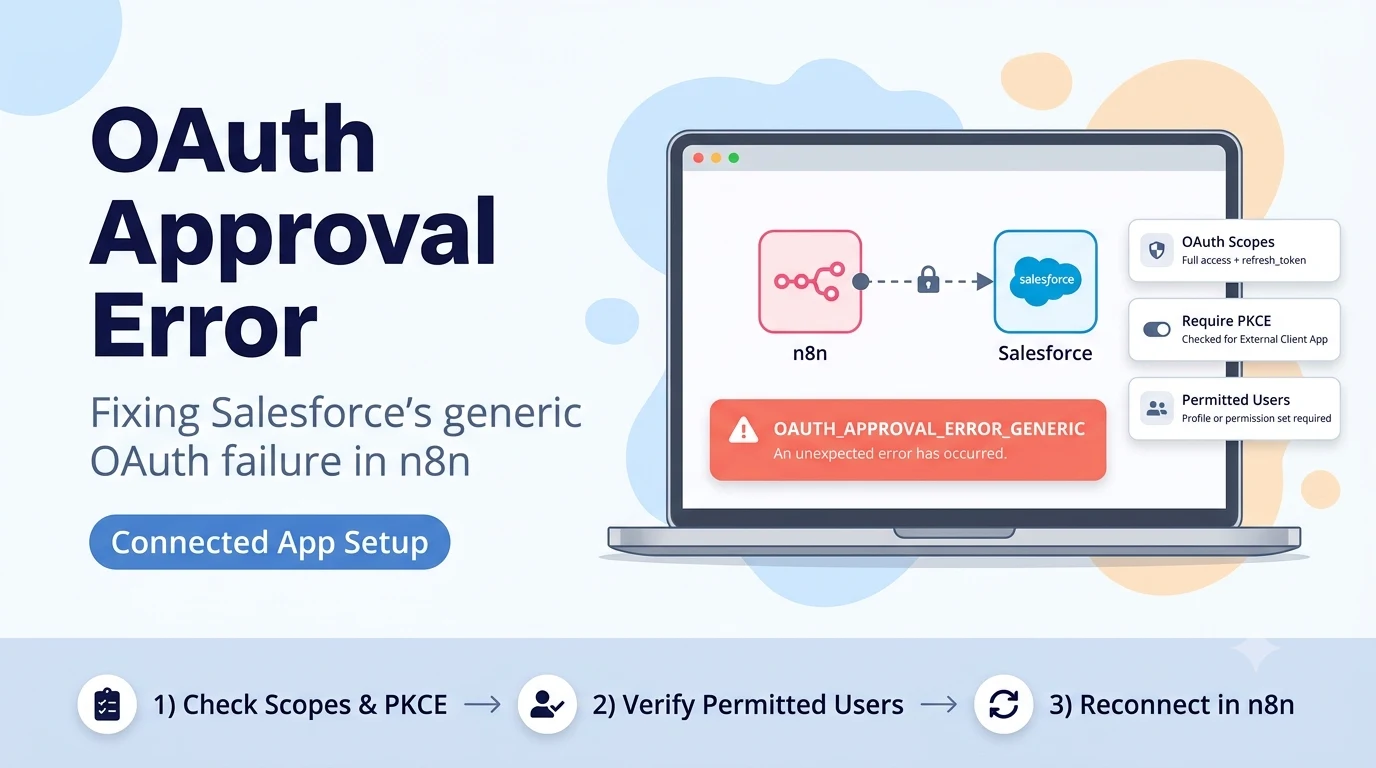
Why Salesforce gives you a generic error instead of a specific one
Salesforce's OAuth approval screen fails in two very different ways. A wrong Client ID or Client Secret produces a clear "invalid_client_id" or "invalid_client" message. OAUTH_APPROVAL_ERROR_GENERIC is different — it happens after Salesforce has already recognized the Connected App, while it is trying to render the user-consent approval page itself. Because the failure is inside Salesforce's own approval logic, it reports a generic internal error instead of telling you which setting is wrong.
In practice this narrows the cause down to a small set of things: the Connected App's OAuth scopes, its PKCE requirement, the OAuth policies applied to it (who is allowed to self-authorize), or simple propagation delay after creating or editing the app. n8n's Salesforce credential documentation walks through creating either an External Client App (the current recommended type) or a legacy Connected App, and most real-world reports of this exact error trace back to one of those setup steps being incomplete rather than to anything in n8n.
Check OAuth scopes and the PKCE requirement first — these differ by app type
Open Setup → App Manager, find the app you created for n8n, and edit its OAuth policies. Two settings cause this specific failure more than any others — and both are configured differently depending on whether you built a Connected App (legacy) or an External Client App (current, recommended by both Salesforce and n8n).
First, OAuth Scopes: n8n's documentation asks for "Full access (full)" plus "Perform requests at any time (refresh_token, offline_access)" on both app types. If the scopes list was left at Salesforce's default or missing the refresh/offline scope, the approval page can fail to render correctly and Salesforce reports the generic error rather than a specific "insufficient scope" message, which only appears later during an actual API call.
Second, "Require Proof Key for Code Exchange (PKCE) Extension for Supported Authorization Flows" — and this is where mixing up the two app types causes exactly this error. n8n's setup instructions say to check this box for an External Client App, and to uncheck it for a legacy Connected App. Copying a checklist meant for one app type onto the other (a very easy mistake if you followed an older tutorial while creating the newer app type) leaves PKCE misconfigured for the flow n8n actually performs, and the approval step fails before your Client ID/Secret are ever evaluated.
- OAuth Scopes: Full access (full) + Perform requests at any time (refresh_token, offline_access) on both app types.
- External Client App: check "Require PKCE" AND check "Require Secret" for both the Web Server Flow and the Refresh Token Flow.
- Legacy Connected App: uncheck "Require PKCE" AND uncheck both "Require Secret" boxes.
- Save changes, then wait — Salesforce app/OAuth policy changes can take several minutes to propagate across all instances before a retry will reflect them.
Confirm the authorizing user is allowed to use the Connected App
Under OAuth policies, "Permitted Users" controls who can authorize the app at all. If it is set to "Admin approved users are pre-authorized," the user attempting to connect n8n must be explicitly added via a profile or permission set assigned to the Connected App — otherwise the approval page fails outright rather than showing a friendly "not authorized" message in some Salesforce releases.
The simplest way to isolate this as the cause: temporarily set Permitted Users to "All users may self-authorize," save, wait for propagation, and retry the n8n connection. If it succeeds, the original failure was a permission-set assignment gap, and you can switch back to admin-approved access once the correct profile or permission set is attached to the app.
Permitted Users setting and what it requires from the connecting Salesforce user
| Permitted Users setting | What the connecting user needs | Common mistake |
|---|---|---|
| All users may self-authorize | Nothing extra — any active user can approve | None; safest for a first test connection |
| Admin approved users are pre-authorized | A profile or permission set explicitly assigned to this Connected App | App created but no profile/permission set was ever attached to it |
| Admin approved users are pre-authorized (Enable Client Credentials Flow) | Same as above, plus a Run As user for client-credentials flows | Not relevant to the standard n8n OAuth2 credential — skip this variant |
Environment mismatch: sandbox app, production login (or the reverse)
A Connected App created in a Sandbox org only exists in that Sandbox — it is not automatically copied to Production, and vice versa. If your n8n credential's Environment Type is set to Production but the Client ID and Client Secret you pasted came from a Sandbox app, Salesforce's OAuth server for that environment has never heard of the app, which can also surface as a generic approval failure rather than a clear "unknown client" message on some org configurations.
Double-check that the Environment Type selected in the n8n credential (Production or Sandbox) matches the org where you actually created the Connected App or External Client App, not just the org where your data lives.
If it still fails after scopes, PKCE, and permissions are correct
Recreate the app as an External Client App rather than a legacy Connected App. Salesforce has been steering new integrations toward External Client Apps, and n8n's current documentation lists this as the recommended path — some org-level Connected App restrictions introduced by newer Salesforce releases apply only to the legacy Connected App type and do not affect External Client Apps.
If the External Client App still produces the same generic error, check Setup → Connected Apps OAuth Usage and Setup → Session Settings for any org-wide policy that blocks third-party OAuth approvals entirely (some orgs enable "Enforce login IP ranges on API access requests" or restrict OAuth to allow-listed apps only) — this is an org security policy question for a Salesforce admin, not something fixable from the n8n side.
Sources checked for this guide
The Connected App and External Client App setup steps, required scopes, and PKCE field come from n8n's own Salesforce credentials documentation. The OAUTH_APPROVAL_ERROR_GENERIC symptom and the scope/PKCE/permitted-users troubleshooting path are consistent with multiple independent reports on the n8n Community forum describing the same failure on self-hosted and cloud n8n instances.