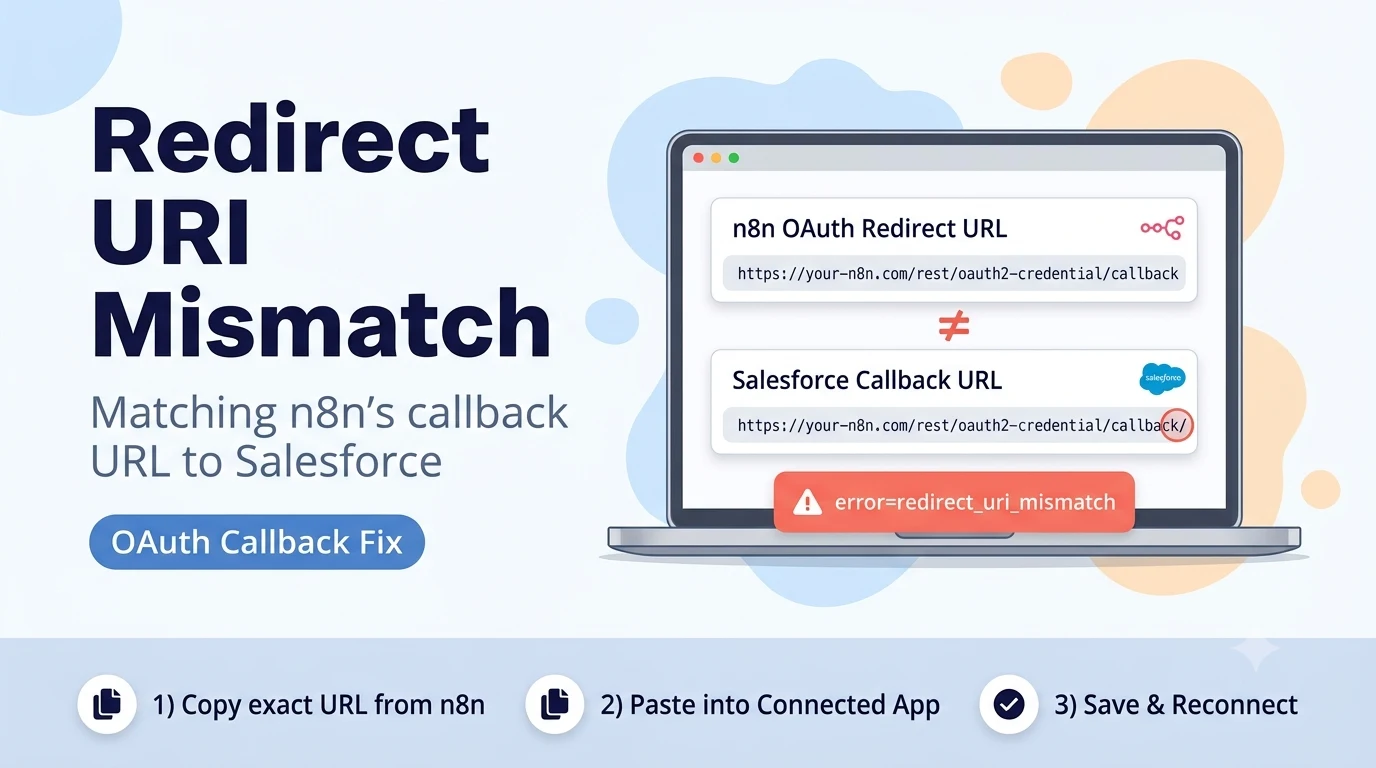
Where each URL comes from
n8n generates a redirect URL automatically based on your instance: for n8n Cloud it is typically https://oauth.n8n.cloud/oauth2/callback, and for a self-hosted instance it is derived from your configured webhook/editor base URL, usually ending in /rest/oauth2-credential/callback. You can see the exact value n8n will send by opening the Salesforce credential in n8n and looking at the "OAuth Redirect URL" field — it is shown to you, not something you type in.
That exact string then has to be added to the Salesforce Connected App under Setup → App Manager → your app → Edit → API (Enable OAuth Settings) → Callback URL. This field accepts multiple URLs, one per line, so adding a new one for n8n does not remove any existing callback URLs used by other integrations.
The specific mismatches that trigger this error
- http:// vs https:// — a self-hosted n8n instance behind a reverse proxy sometimes reports its own base URL as http even though the public URL is https, or the other way around.
- Trailing slash difference — https://your-n8n.com/rest/oauth2-credential/callback vs the same URL with a trailing slash are treated as different strings by Salesforce.
- www vs no-www, or a different subdomain than the one your users actually browse to (e.g. the Callback URL was added for app.example.com but n8n's public URL is n8n.example.com).
- A stale URL left over from before N8N_HOST, N8N_PROTOCOL, or WEBHOOK_URL environment variables were changed on a self-hosted instance — n8n will generate a new redirect URL from the new settings, but the old one is still the only one saved in Salesforce.
n8n Cloud vs self-hosted: what to actually paste
On n8n Cloud, the redirect URL is fixed and identical for every workspace on the same region: https://oauth.n8n.cloud/oauth2/callback (or the equivalent for the EU cloud region, if that's where your instance is hosted — check the field in n8n directly rather than assuming). Add exactly that value once, and it will work for every Salesforce credential you create in that workspace.
On a self-hosted instance, the redirect URL depends entirely on how the instance's public URL is configured (via N8N_EDITOR_BASE_URL, WEBHOOK_URL, or N8N_HOST/N8N_PROTOCOL/N8N_PORT depending on your n8n version). If you changed domains, moved from HTTP to HTTPS behind a new reverse proxy, or moved from a port-based URL to a clean domain, the redirect URL n8n now generates has changed — even though the Connected App still has the old one saved.
# Self-hosted n8n: confirm what redirect URL it currently generates
# (open the Salesforce credential in the n8n editor and read the
# "OAuth Redirect URL" field directly — do not guess from env vars alone,
# since precedence between them differs by n8n version)
After adding the correct Callback URL
Save the Connected App, wait a few minutes for propagation, then retry the n8n connection from scratch — click "Connect my account" again rather than reusing a browser tab that already showed the error, since some browsers cache the failed OAuth state.
If you still see the mismatch after confirming the URLs are identical, check for invisible characters: a callback URL pasted from a chat app or document can carry a non-breaking space or smart-quote character that looks identical on screen but fails a strict string comparison. Delete the line in Salesforce and retype the domain portion manually while pasting only the path, or paste into a plain-text editor first to strip formatting before pasting into Salesforce.
Sources checked for this guide
The Connected App Callback URL location and n8n's OAuth Redirect URL field come from n8n's Salesforce credentials documentation. The exact redirect_uri_mismatch error text and its resolution (matching the Callback URL exactly to n8n's generated redirect URL) are confirmed by a report on the n8n Community forum describing this same connection failure.