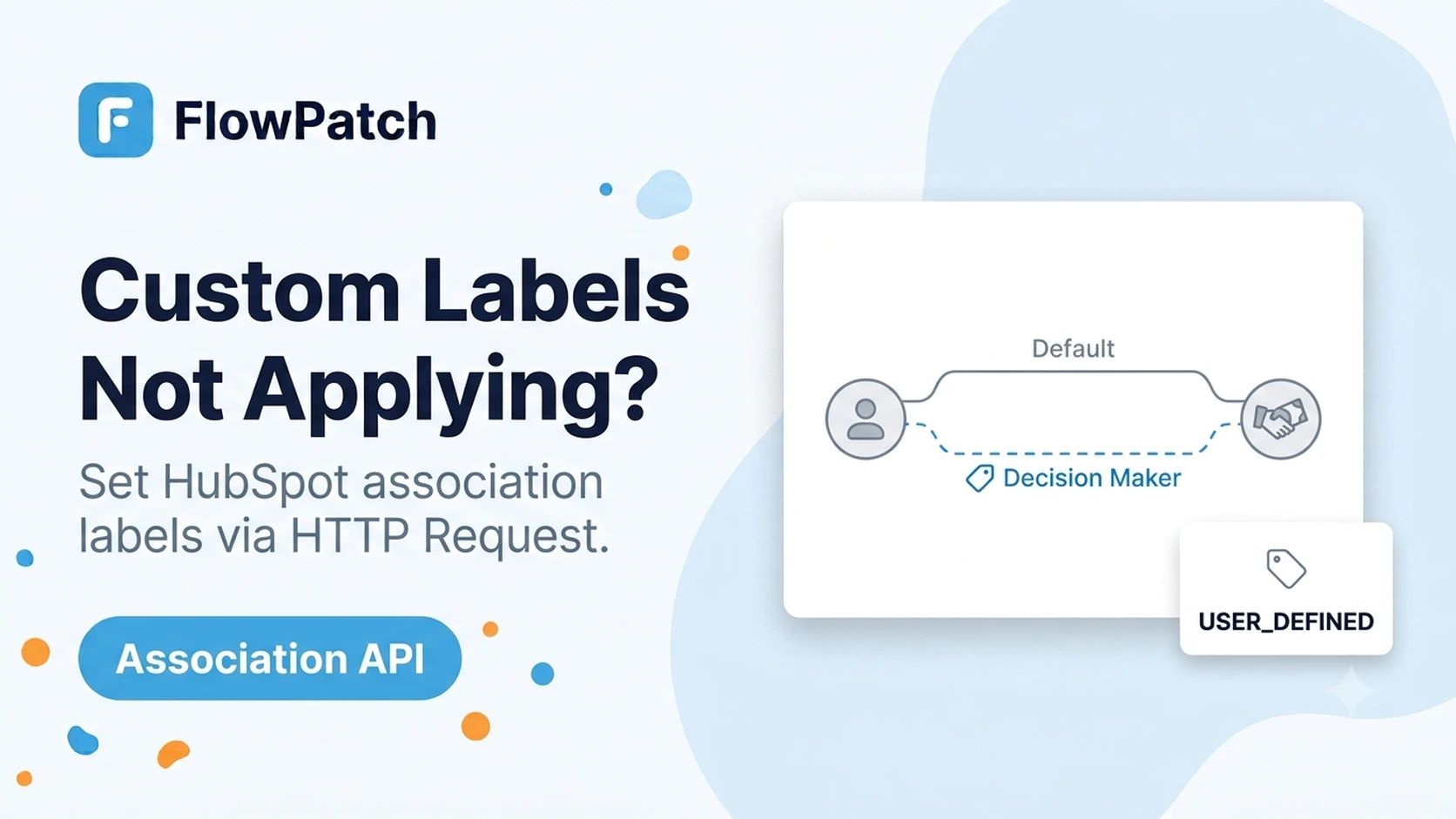
The built-in node's association fields set the default relationship, not a chosen label
When the HubSpot node's Deal or Company resource exposes a field to link a record to another object — a company on a deal, a contact on a company — it uses HubSpot's default, unlabeled association type for that object pair. This works fine for the simple 1:1 relationship most workflows need (a deal has one primary company), but it cannot select one of the custom labels a HubSpot admin may have created for that same object pair, like "Decision Maker" versus "Influencer" on the contact–deal association, or "Renewal Owner" on a contact–company association.
HubSpot's own documentation on this node confirms the general pattern relevant here: when the built-in node doesn't support an operation, the documented path is to use the HTTP Request node against HubSpot's API directly. Custom association labels fall into that category — there is no field in the standard node to pick a label, because labels are a HubSpot Associations API concept layered on top of the basic association, not an attribute of the simple node fields.
Understand associationTypeId and associationCategory before writing the request
Every association between two HubSpot object types has an associationTypeId, and that ID belongs to one of two categories. HubSpot's own default associations (the ones the built-in node's simple fields create) use the category HUBSPOT_DEFINED with a small, fixed set of well-known type IDs. Any custom label a portal admin creates belongs to the category USER_DEFINED, with a type ID that is specific to that HubSpot portal — it is not a fixed, universal number the way default associations are, because different portals define different custom labels.
This means you cannot hardcode a custom label's type ID from documentation or from another portal's setup — it has to be looked up from the specific HubSpot account the workflow runs against. HubSpot exposes this lookup through a labels endpoint scoped to the pair of object types involved (for example, contacts and deals).
Default vs. custom HubSpot associations
| Aspect | Default association | Custom (USER_DEFINED) label |
|---|
| Set by n8n's built-in HubSpot node fields | Yes | No — requires HTTP Request node |
| associationCategory value | HUBSPOT_DEFINED | USER_DEFINED |
| Type ID portability | Same fixed IDs across all portals | Specific to the portal that created the label — must be looked up |
| Where it's configured in HubSpot | Built into the object pair | HubSpot Settings → Object associations → labels |
Step 1: Look up the custom label's type ID once
Call the association labels endpoint for the specific pair of object types your workflow needs — for example, contacts and deals — using the same authentication already set up for other HubSpot calls in the workflow. The response lists every association type between that object pair, including HubSpot's default ones and any custom labels the portal has created, each with its own typeId and a category field distinguishing HUBSPOT_DEFINED from USER_DEFINED.
Find the specific label by its human-readable name (the label text shown in HubSpot's UI) in that response, and note its typeId. Because this value is specific to the portal and does not change unless someone edits the label configuration in HubSpot settings, it's reasonable to look it up once, store it (as a workflow variable, or in a small configuration step at the start of the workflow) and reuse it, rather than calling the labels endpoint on every single association.
GET https://api.hubapi.com/crm/v4/associations/contacts/deals/labels

Response includes entries like:
{ "category": "HUBSPOT_DEFINED", "typeId": 4, "label": null }
{ "category": "USER_DEFINED", "typeId": 35, "label": "Decision Maker" }

→ Use typeId 35 + category USER_DEFINED to apply the "Decision Maker" label specifically.
Step 2: Create the association with that specific type ID
With the typeId in hand, use an HTTP Request node to PUT the association between the two specific records, sending the associationCategory as USER_DEFINED and the associationTypeId as the value you looked up. This is a separate call from creating either record — it links two already-existing record IDs together with the specified label.
A single pair of records can carry more than one association type at once in HubSpot's data model (for example, both a default association and a custom label, or two different custom labels), so this call adds the specified labeled association without necessarily removing any other association that already exists between the same two records — check HubSpot's current Associations API documentation for whether your specific call replaces or adds to existing associations, since behavior here should be confirmed against the live API reference before assuming either way.
PUT https://api.hubapi.com/crm/v4/objects/contact/{contactId}/associations/deal/{dealId}
Body:
[
  {
    "associationCategory": "USER_DEFINED",
    "associationTypeId": 35
  }
]
Verify the label actually shows correctly in HubSpot's UI, not just in the API response
A successful API response confirms the association was created, but the fastest real confirmation is opening the record in HubSpot's UI and checking that the association panel shows the intended label text, not just "Associated" or a generic default relationship. If the label doesn't appear as expected, double check that the typeId used matches the one returned for that specific label's name in the lookup step — a mismatch here (using the wrong typeId from the labels response) creates a valid association with the wrong, or no, label rather than failing outright.
Test the whole two-step sequence against a disposable test record pair before applying it to real production data — a wrong typeId doesn't error, it just quietly applies the wrong label.
Applying the same label to many record pairs at once
A one-off labeled association is a single HTTP Request call, but a workflow that needs to label many pairs at once — for example, tagging every contact on a list as "Decision Maker" on their respective deals — should not loop through individual PUT calls per pair if HubSpot's batch association endpoint covers the object types involved. Check the current Associations API for a batch create endpoint for the specific object-type pair before building a per-item loop; batch association endpoints, where available, accept an array of record-ID pairs with the same associationTypeId applied to all of them in one call.
Look up the label's typeId once at the start of the workflow (as in the single-pair steps above), then build the array of {from, to} record ID pairs from whatever list or query produced the set of records that need labeling, and send that whole array in one batch request rather than one request per pair. This reduces both the request count against the rate limits covered elsewhere on this site and the total execution time for a large labeling job.
If no batch endpoint exists for the specific object-type pair you need, fall back to the per-pair loop, but pace it the same way you would any other bulk HubSpot operation — a loop applying labels to thousands of pairs is exactly the kind of workflow that can trigger the 429 rate-limit behavior covered in this site's rate-limit guide if it fires requests without any delay between them.
Verification checklist
- Confirmed the built-in HubSpot node's simple fields only need the default association, not a custom label, before building the workaround.
- Looked up the correct associationTypeId for the specific label and object-type pair from the portal actually running the workflow — not copied from documentation or another portal.
- Used associationCategory USER_DEFINED with that specific typeId when creating the association via HTTP Request.
- For bulk labeling jobs, used a batch association endpoint where available, or paced a per-pair loop to avoid rate-limit issues.
- Verified the label displays correctly in HubSpot's UI on a test record pair before applying it to production records.
Where these facts come from
The HUBSPOT_DEFINED vs USER_DEFINED association model and the labels lookup endpoint come from HubSpot's Associations API and association-labels documentation. Confirmation that the built-in n8n HubSpot node does not expose association-label selection comes from n8n's own HubSpot node documentation, which directs unsupported operations to the HTTP Request node.
Frequently asked questions
Can I apply a custom association label when I create the deal or contact, in the same HubSpot node call?
No — create the records first (with the built-in node if you like), then apply the labeled association as a separate HTTP Request call once both record IDs exist.
Is the custom label's type ID the same across every HubSpot portal?
No. HUBSPOT_DEFINED association type IDs are fixed and universal, but USER_DEFINED custom label IDs are specific to the portal that created the label and must be looked up from that portal's labels endpoint — never hardcode a custom label ID copied from another account or from an example.
What happens if I use the wrong associationTypeId by mistake?
The API call typically still succeeds and creates an association — just with the wrong label (or the default one) rather than the one you intended. There's no error to catch this, so verify the label visually in HubSpot's UI after testing, not just the API response status.