First, work out which of the three limits you actually hit
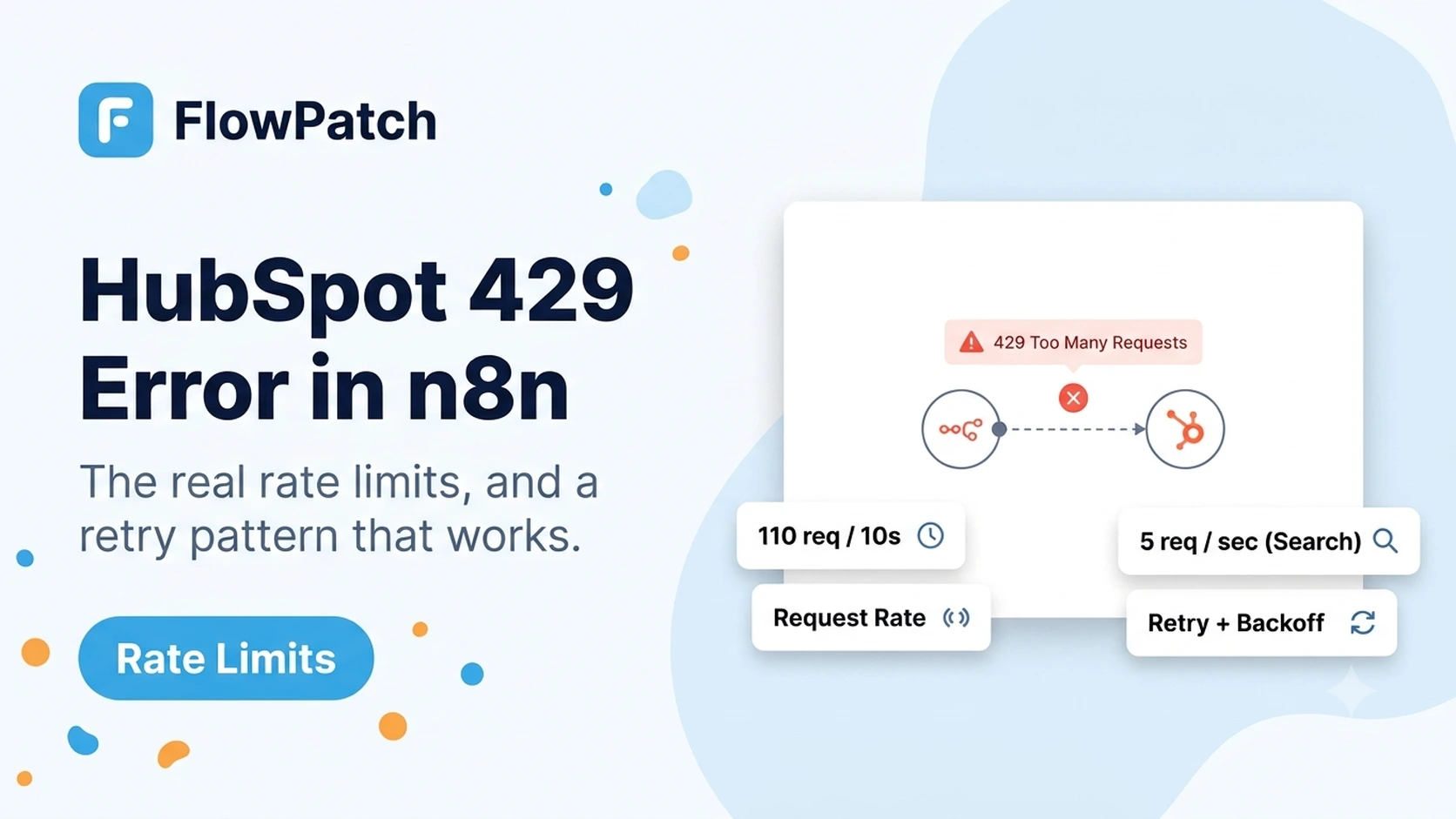
HubSpot does not have one rate limit — it has at least three, and the fix is different for each. Its current developer documentation splits limits by app type: a public app distributed through the HubSpot Marketplace is limited to 110 requests every 10 seconds per HubSpot account that has installed it, and this limit excludes the CRM Search API. A private app's limit instead depends on the portal's subscription tier — Free and Starter accounts get 100 requests per 10 seconds per app with a 250,000-per-day account cap, Professional and Enterprise get 190 requests per 10 seconds with 625,000 and 1,000,000 daily caps respectively, and portals that purchase the API Limit Increase add-on can raise the burst limit further.
The CRM Search API is separate again and stricter: HubSpot's changelog documents an increase of the Search API burst limit from 4 to 5 requests per second per account, applying across all search endpoints combined, not per object type. If your workflow uses the HubSpot node's Search operation, or an HTTP Request node hitting a `/crm/v3/objects/*/search` endpoint, that 5-per-second ceiling is what throttles you — not the broader 110 or 190 per 10 seconds figure.
Read the actual error body before assuming which limit applies. HubSpot's 429 response includes rate-limit headers and a message body, and community reports confirm the wording differs slightly for the daily cap versus the burst window — a daily-limit 429 will not clear in seconds no matter how you retry, while a burst 429 clears within the current 10-second window.
HubSpot API rate limits by app type (current developer documentation)
| App type / tier | Burst limit | Daily limit | Notes |
|---|
| Public app (Marketplace) | 110 req / 10 sec per installing account | No published daily cap | Excludes CRM Search API |
| Private app — Free/Starter | 100 req / 10 sec per app | 250,000 / account / day | |
| Private app — Professional | 190 req / 10 sec per app | 625,000 / account / day | |
| Private app — Enterprise | 190 req / 10 sec per app | 1,000,000 / account / day | |
| CRM Search API (any app type) | 5 req / sec per account | Counts toward the app's daily cap | Separate, stricter, combined across object types |
Why a workflow that worked for months suddenly starts throwing 429s
The most common trigger is not a code change in the n8n workflow at all — it is growth. A polling workflow that queries 40 records every 5 minutes stays comfortably under any tier's limit; the same workflow against a portal that has grown to 4,000 records, still on a 5-minute schedule, now needs many more paginated requests in the same short window and can burst past the limit before the window resets.
A second common trigger is a second workflow, or a second tool entirely, sharing the same private app token or the same public app installation. HubSpot's limits are per account and per app, not per workflow — a n8n instance running three unrelated workflows against the same HubSpot private app shares one 100-or-190-per-10-second budget between all three, and a burst in one workflow can throttle the others.
A third, easy-to-miss trigger is switching from the HubSpot node's simple operations to the Search operation, or to a raw HTTP Request node calling a search endpoint, without realizing the far stricter 5-per-second ceiling now applies. A migration that looks like a small refactor — replacing a "Get Many" filtered client-side with a server-side search — can introduce 429s purely because of which endpoint category it now uses.
Check whether the 429 started right after a HubSpot subscription downgrade, a new integration installed in the same portal, or a switch to the Search operation — all three quietly change which limit applies without changing your workflow's logic.
The first fix is almost always batching, not waiting longer
Before adding retry logic, check whether HubSpot offers a batch endpoint for what the workflow is doing one record at a time. The CRM batch APIs accept up to 100 records per call for create, read, update, and archive operations on contacts, companies, deals, and other standard and custom objects. A loop that creates 80 contacts one at a time issues roughly 80 requests; the same 80 contacts submitted through a single batch create call issues 1.
In n8n, this usually means replacing a Split In Batches → HubSpot node (one item per execution) pattern with an Aggregate node that collects items into a single array, followed by an HTTP Request node configured to POST that array to the relevant `/crm/v3/objects/{objectType}/batch/create` (or `/update`, `/read`) endpoint, since the built-in HubSpot node does not expose the batch endpoints directly.
Batching reduces both the burst-limit pressure and the daily-cap pressure at the same time, which a longer delay between individual requests does not — a workflow that waits longer between 500 individual requests still eventually makes 500 requests against the daily cap; a workflow that batches those into 5 calls of 100 records makes 5.
- Batch endpoints exist for create, read, update, and archive on most standard and custom CRM objects.
- Batch size limit is commonly 100 records per call — confirm the current limit for the specific object type before assuming it applies uniformly.
- The built-in n8n HubSpot node does not expose batch operations; use the HTTP Request node with the portal's batch endpoint and the same authentication.
- Batching helps the daily cap, not only the 10-second burst limit — this matters most for large one-time backfills.
An n8n retry pattern for the requests you can't batch away
Some operations genuinely cannot be batched — a workflow branching on per-record logic, or calling an endpoint with no batch equivalent, still needs real request-level throttling. n8n's own documentation on handling rate limits describes two supported approaches: the node's built-in Retry On Fail setting, or a manual pattern combining a Loop Over Items node with a Wait node.
Retry On Fail alone is a reasonable first layer for occasional 429s, but a fixed retry delay is not exponential backoff — if the workflow is bursting because it is fundamentally sending requests faster than the limit allows, a fixed short retry delay can retry directly back into the same rate-limit window and fail again immediately.
The more reliable pattern adds a Wait node inside the loop itself, calculated to keep the workflow's steady-state request rate safely under the limit, plus a separate exponential-backoff branch that only activates when a 429 is actually returned. That separates "pace myself so I don't hit the limit" from "I hit it anyway, back off before retrying."
Loop Over Items (batch size small, e.g. 10)
  ↓
HubSpot / HTTP Request node
  ↓
IF node: status === 429?
  → YES: Wait node (exponential backoff: base 1s, doubling, cap ~30s, + small random jitter)
           ↓
         loop back to the same item (do not advance)
  → NO: continue to next item
  ↓
Wait node (fixed small delay, e.g. 100–300ms) between every item regardless of success
  ↓
Next loop iteration
Add a small random jitter (a few hundred milliseconds) to every backoff delay. Without jitter, many failed items retry on the exact same schedule and re-collide with each other at the next attempt.
Detecting a 429 reliably inside the workflow
By default, an n8n HTTP Request node treats any non-2xx response as a node failure, which is enough to trigger Retry On Fail but does not, by itself, let you branch differently for a 429 than for a genuine 400 validation error. Enable "Continue on Fail" (or the equivalent output-on-error option for your n8n version) so the node's error response, including the HTTP status code, is available as data rather than stopping the workflow outright.
Then use an IF or Switch node reading the response status code: a 429 should go to the backoff-and-retry branch described above, while a 4xx like 400 or 404 is a data problem that retrying will not fix and should be logged or routed to a dead-letter path instead. Treating every failure the same — retry everything the same number of times with the same delay — wastes retry budget on errors that will never succeed and can mask a real 429 pattern under a pile of unrelated failures.
Scheduling large jobs around the daily cap, not just the burst limit
For a one-time backfill or a nightly full-portal sync, the daily cap usually matters more than the 10-second burst limit. A Free/Starter private app's 250,000-per-day cap sounds generous until a sync workflow needs several requests per record (read, then update, then read again to confirm) across tens of thousands of records — the math can approach the daily ceiling faster than expected.
Before running a large one-time job, estimate total requests: number of records × requests per record × any retries you expect, and compare that against the account's actual daily cap for its tier. If the estimate is close to or over the cap, split the job across more than one day, or batch aggressively enough to bring the total request count down rather than the record count.
If the same n8n instance runs other production workflows against the same HubSpot portal, a large backfill can also crowd out those workflows' normal traffic for the rest of the day once the shared daily cap is exhausted. Schedule bulk jobs for a low-traffic window and monitor whether unrelated workflows start failing during the run.
Verification checklist
- Confirmed which limit applies: public app 110/10s, private app 100 or 190/10s by tier, or the 5/sec Search API ceiling.
- Replaced per-record loops with batch create/read/update calls wherever a batch endpoint exists for that object type.
- Added a Wait-based pacing delay between requests in loops that cannot be batched.
- Added a separate exponential-backoff-with-jitter branch that triggers only on an actual 429 response.
- Estimated total daily request volume for one-time bulk jobs against the account's actual daily cap before running them.
Documentation and community threads cited
Rate limit figures come from HubSpot's current API usage guidelines and its CRM Search API rate-limit-increase changelog entry. n8n's recommended retry approaches come from n8n's own documentation on handling API rate limits. Community reports were used only to confirm real-world symptoms, not as a source for the numeric limits themselves.
Frequently asked questions
Does upgrading my HubSpot subscription tier automatically fix 429 errors?
It raises the burst and daily ceilings for a private app (for example from 100 to 190 requests per 10 seconds), but it does not fix a workflow that is inherently inefficient — batching and pacing still matter, and the Search API's 5-per-second limit does not change with subscription tier.
Is the 429 limit shared across all my n8n workflows, or is each workflow measured separately?
It's shared per HubSpot app (private app or public app installation), not per workflow. Two unrelated n8n workflows using the same private app token draw from the same 10-second and daily budget.
Should I just add a long Wait node before every HubSpot request to be safe?
A blanket long delay wastes execution time in workflows that were never close to the limit, and it still won't help a bulk job that's approaching the daily cap. Pace requests based on the actual limit for your app type, and reserve exponential backoff specifically for when a 429 actually occurs.