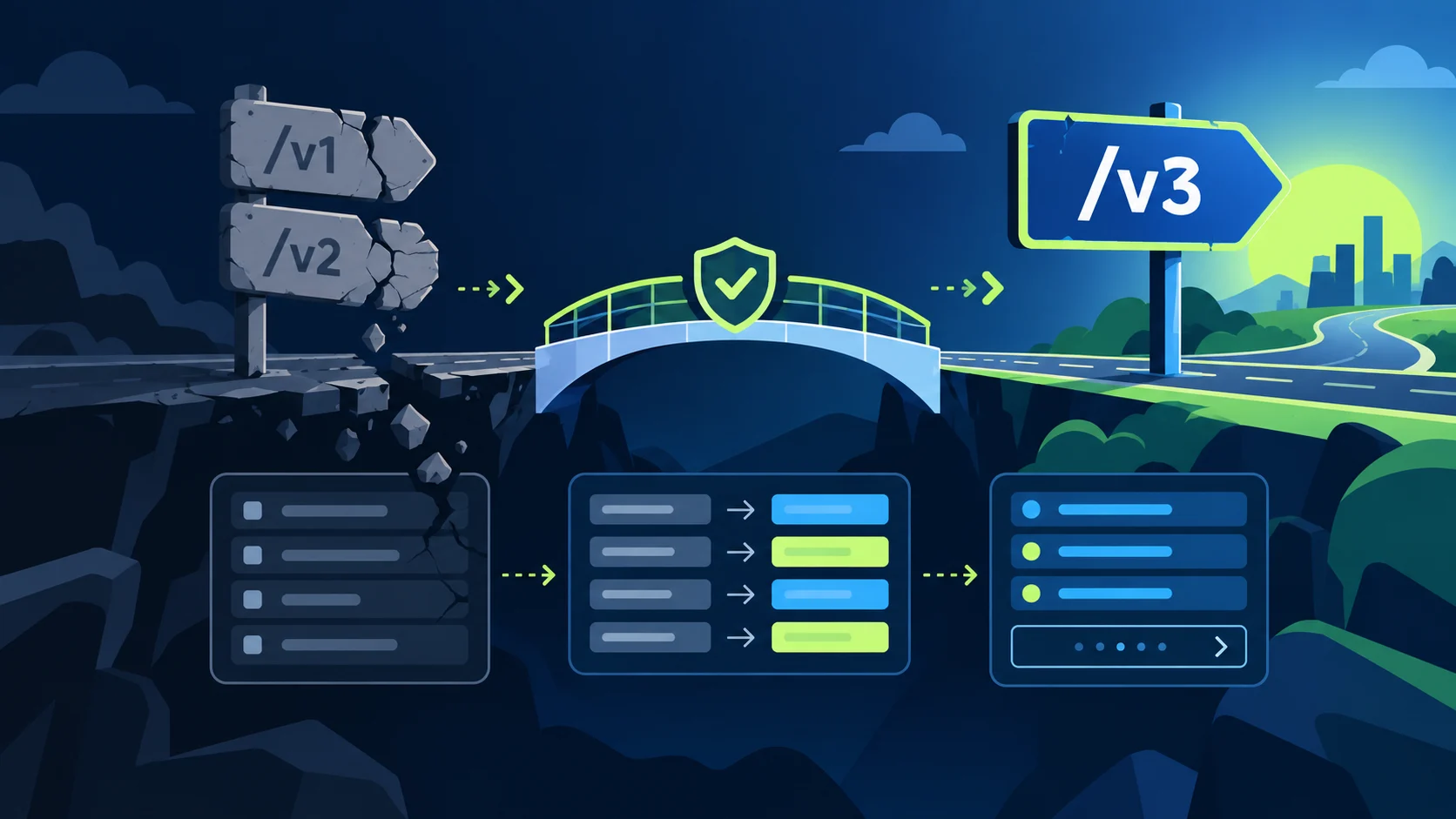
Build the endpoint inventory
Search application code, workflow exports, serverless functions, cron scripts, documentation, and monitoring rules for `/v1/`, `/v2/`, old SDK method names, and legacy query parameters. Record HTTP method, URL, caller, portal, object, frequency, read/write behavior, pagination method, and business owner.
Separate routes that only read from routes that mutate data. A read migration can run in shadow mode; a write migration needs idempotency and rollback. Mark unknown routes as production risk until a real request trace identifies them.
Find the supported replacement
Use HubSpot’s current API reference for the resource and the developer changelog for sunset notices and dates. A route may have moved into CRM objects, search, associations, imports, files, or a dedicated settings API. The replacement may require a different scope and may not expose every legacy field.
Record the replacement URL, required scopes, supported filters, page size, cursor rules, archive behavior, and rate-limit notes. Treat the changelog as time-sensitive. Recheck before launch because an API page can change after the first design review.
Map the data contract
Create a table for every field: legacy name, v3 name, type, source of truth, transformation, nullable behavior, and verification query. Include object ID, created and updated timestamps, archived state, owner, pipeline, stage, custom properties, and associations.
Do not map UI labels to API keys. Fetch property definitions from the target portal and use internal names. For enum values, map the internal option value. For dates, convert to the documented representation. For amounts, use a numeric representation accepted by the target property.
Plan writes and associations
For creates, choose an idempotency key in your system and search by a stable business key before creating. For updates, use the HubSpot record ID. For associations, check the current association API and type ID; a legacy relationship field may not translate directly.
Use a dry-run mapper that reports missing properties and unsupported fields. Write to a staging portal or a small allowlist first. Capture before and after values. If the new API returns a different error category, classify it instead of retrying every 4xx.
Authentication and scopes
Legacy examples often use API keys or older SDK authentication. Current integrations should use a private-app token for a single controlled portal or OAuth for a multi-tenant product. The new route may require scopes that the old route did not expose. A 401 is credential state; a 403 is usually scope or account access; a 404 can mean a bad route or ID.
Rotate credentials independently from the endpoint migration so one failure does not obscure the other. Keep the old and new clients behind separate configuration flags and log a credential alias, never the token.
Warning: do not leave a fallback that silently retries a sunset endpoint forever. It can consume quota and hide that production still depends on unsupported behavior.
Shadow-read and cutover plan
For reads, call both clients for a sampled set, normalize records, and compare IDs, property values, counts, and timestamps. Explain intentional differences such as archived records, omitted properties, or association pagination. Alert on unexplained differences.
For writes, send the v3 request only to a test scope first. Verify the record with a fresh read. Then enable a small production cohort, monitor 4xx, 5xx, latency, rate-limit headers, duplicate creates, and reconciliation differences. Expand only when the cohort is stable.
Manual QA checklist
Test every inventoried route, authentication model, object type, custom property, enum, date, association, page boundary, empty result, archived record, duplicate request, timeout, 401, 403, 404, and 429. Confirm retry policy distinguishes transient errors from invalid requests.
Run a count reconciliation and a sample-by-ID comparison. Verify scheduled exports and rarely used admin scripts. Search the built artifact and deployment configuration for `/v1/`, `/v2/`, `hapikey`, and deprecated SDK calls after the cutover. Keep a rollback switch, but make it point to a supported path whenever possible.
What a complete migration record contains
Keep the inventory, replacement decision, field map, required scopes, sample requests, comparison results, launch owner, and retirement date in one change record. For every intentionally unsupported legacy field, record the business decision and replacement behavior. “Not returned by v3” is not a mapping; it is an open question until someone decides whether to omit, derive, or source the value elsewhere.
Repeat the inventory after deployment from compiled artifacts and runtime traces. Old routes often survive in a low-frequency billing export, a support script, or a disabled-looking workflow that is enabled by a schedule. Set an alert for any legacy URL observed after the retirement date. Review the alert weekly until the old path is removed from the network policy.
If HubSpot publishes a new sunset notice, compare its effective date with your release calendar and customer contracts. Create a feature flag that can stop writes without deleting checkpoints. This gives support a controlled response if a replacement behaves differently in a particular portal.
Add a migration acceptance record
For every retired route, store the old URL, replacement URL, method, scopes, pagination model, fields intentionally omitted, sample count comparison, owner, and retirement date. A route is not migrated merely because the new request returns 200. The acceptance record should show that the downstream consumer receives the same business meaning or document the approved difference.
Where these facts come from