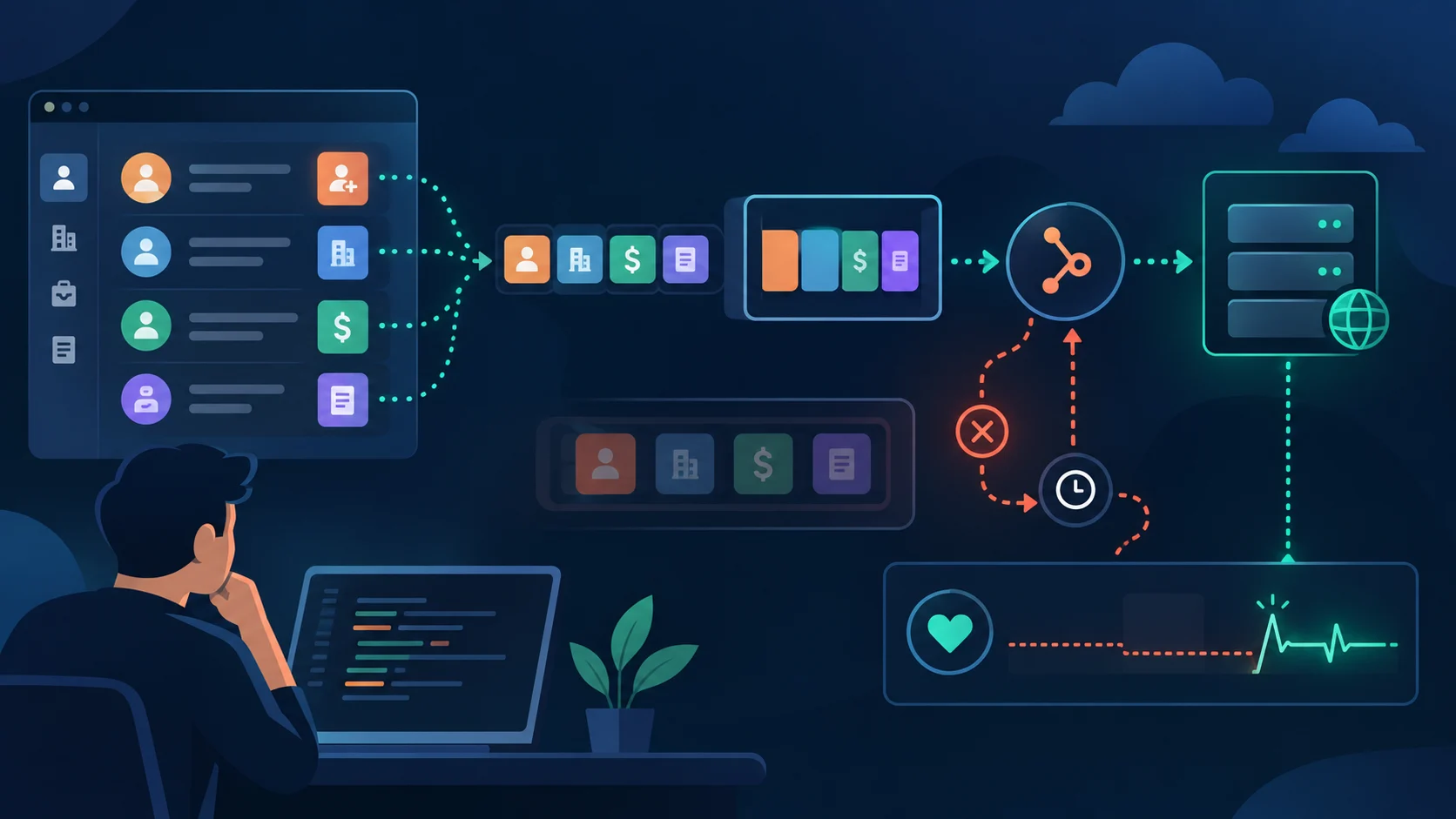
First prove whether HubSpot sent an event
Choose a test contact in the correct portal and change one subscribed property. Record the exact timestamp, portal ID, object ID, property name, and expected action. Search provider and receiver logs using that ID and time window. Do not test by editing an unrelated company when the subscription watches contacts.
If there is no provider-side event, inspect the subscription. If a request exists but your application has no record, inspect DNS, TLS, firewall, gateway, and route matching. If your application stored the event but a downstream action failed, the webhook delivery is healthy and the worker needs repair.
Inspect the subscription definition
Confirm the app ID, portal ID, object type, event type, property filters, and active state. A contact subscription uses the contact object; a deal subscription uses a deal object. Property-change subscriptions must name the internal property name, not the UI label. A renamed label or copied workflow can make a filter look correct to a human while matching nothing.
Check that the test record is not excluded by object IDs, associated-object filters, or an overly narrow property list. Remove unused filters in a staging subscription and run the same controlled change. If the broad test fires, add filters back one at a time.
Check authentication and scopes
The app must still be installed in the portal, and its token must be valid. For management operations, confirm the required webhook and CRM scopes. A private-app token can be rotated or revoked while the application continues running with a stale environment value. An OAuth installation can lose consent or fail refresh.
A 401 indicates missing or invalid authentication; a 403 suggests permission; a 404 can indicate a wrong route or object; and a 429 means usage limits. Save response status, body, and correlation ID without saving credentials. Reauthorize or rotate through the documented process rather than repeatedly replaying a failing request.
Make the receiver boring and fast
The public webhook route should do only four things: authenticate the request when applicable, validate basic shape, write the raw event to durable storage or a queue, and return a success response. Do not perform a CRM lookup, send email, or run a long enrichment job before acknowledging. Slow handlers create retries and duplicate work.
Preserve the raw payload, received timestamp, signature metadata, and processing state. Use a unique event key where available; otherwise derive a stable key from portal, object, action, occurred-at value, and source event ID. Treat delivery as at-least-once. A duplicate must be harmless.
Example processing contract:
Return non-success only when the payload was not durably accepted. If the queue is unavailable, fail visibly and alert; returning 200 while discarding data creates a silent loss.
receive -> verify -> enqueue -> acknowledge
                     -> worker -> idempotent update
If events arrive and then appear to stop
Compare ingress count, enqueue count, worker-start count, success count, and dead-letter count. A flat ingress count with rising provider failures points to delivery or subscription health. A healthy ingress count with a flat worker count points to queue consumers. A healthy worker count with no CRM changes points to downstream authorization, mapping, or idempotency logic.
Check certificate expiry, DNS changes, reverse-proxy allowlists, WAF rules, request body limits, and HTTP method routing. Verify that redirects are not required. A webhook endpoint should be a stable HTTPS URL with a predictable response and no interactive login.
Journal and newer subscription model
HubSpot’s current webhook documentation describes a journal and v4 management API that can be polled for historical events. The docs state that the new model is not compatible with the previous v3 webhook API, and the journal can be used to retrieve recent event history. If your integration uses the journal, store the returned offset, process journal files sequentially, and download expiring URLs promptly.
Polling recovery is different from push delivery. Do not add a journal poller to a v3 app and assume it will repair every missing event. Identify the model first, then follow its authentication, scopes, endpoint, and retention rules.
Warning: do not “fix” missing events by replaying every CRM record as a write. Reconcile with reads, compare timestamps, and make downstream mutations idempotent before backfilling.
Recovery runbook
Freeze destructive downstream actions if the gap could create bad updates. Capture the last known event and first missing event. Verify the subscription and endpoint with a controlled test. Repair the receiver or credential. For push delivery, use the provider’s retry behavior and a bounded reconciliation query. For journal delivery, resume from the last committed offset and commit the next offset only after durable processing.
Reconcile the affected time window by fetching records updated during the gap. Store a reconciliation report with object ID, source timestamp, local timestamp, action taken, and reason. Do not infer deletion from absence in a list response; use the API’s documented deletion or archive signals.
Manual QA checklist
Test create, update of a subscribed property, update of an unsubscribed property, delete/archive if supported, wrong portal, duplicate delivery, malformed payload, slow worker, queue outage, token rotation, OAuth refresh, and endpoint certificate renewal. Verify that the endpoint returns quickly and that the worker can be retried safely.
Confirm alerts fire for zero events during an expected active window, elevated 4xx/5xx, queue age, dead letters, signature failures, and processing lag. Review raw payload redaction and retention. Run a staging test with the exact production object and property names.
What to compare during an outage
Keep one successful delivery and one failed-period sample with subscription ID, event type, target portal, receiver response time, response code, retry count, and app installation state. Compare whether HubSpot stopped sending or your receiver stopped accepting. This distinction determines whether to repair the subscription or the endpoint, and prevents a harmless receiver timeout from being misdiagnosed as a portal-wide webhook failure.
Where these facts come from